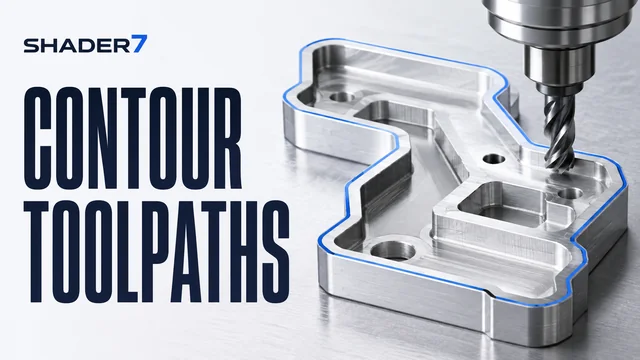
Parametric macro generator for Face Milling, Simple Contours, and PCD Drilling.
Standard G-code represents hardcoded, static coordinates. If you want to change a part width or bolt count, you must completely rewrite or post-process the coordinates from CAM software. **Parametric Programming** (using Fanuc Macro B or Haas equivalent systems) allows machinists to write programs utilizing algebraic variables, loops, conditional IF-THEN logic, and complex subroutines.
The variable categories utilized inside modern macro programs are:
G65 macro call block.WHILE [#101 LT #102] DO 1).Instead of hardcoding a complex spiral ramp, standard macro subroutines use parametric variables to increment depth and radius dynamically. In your main program, calling a macro utilizing argument mapping (such as G65 P1000 X0 Y0 D20. Z-15. F100.) passes parameters into the macro subroutine, which dynamically computes the exact spiral coordinates in real time directly on the machine control console.
Q: What is a G65 Macro Subroutine Call?
A: G65 is the G-code command used to call a macro subroutine and pass local arguments to it (e.g. A maps to variable #1, B maps to #2, H maps to #11, etc.).
Q: How do I debug parametric variables on the shop floor?
A: Use the machine's "Single Block" execution mode. Most modern CNC controls feature a variable inspection screen where you can watch variables update in real time as each block executes.
Q: Can macro programs cause dangerous physical machine collisions?
A: Yes. A mathematical mistake (like an infinite loop or wrong sign direction) can make the Z-axis plunge rapidly. Always test macros using "Dry Run" mode, high Z-axis offset space, and graphic simulators before actual material cutting.
Want to master Parametric Math, conditional loops, Custom G-code mapping, and probe scripts?
Read the Ultimate Fanuc Macro B Guide (5,000+ Words) →